
What Is a PWA?
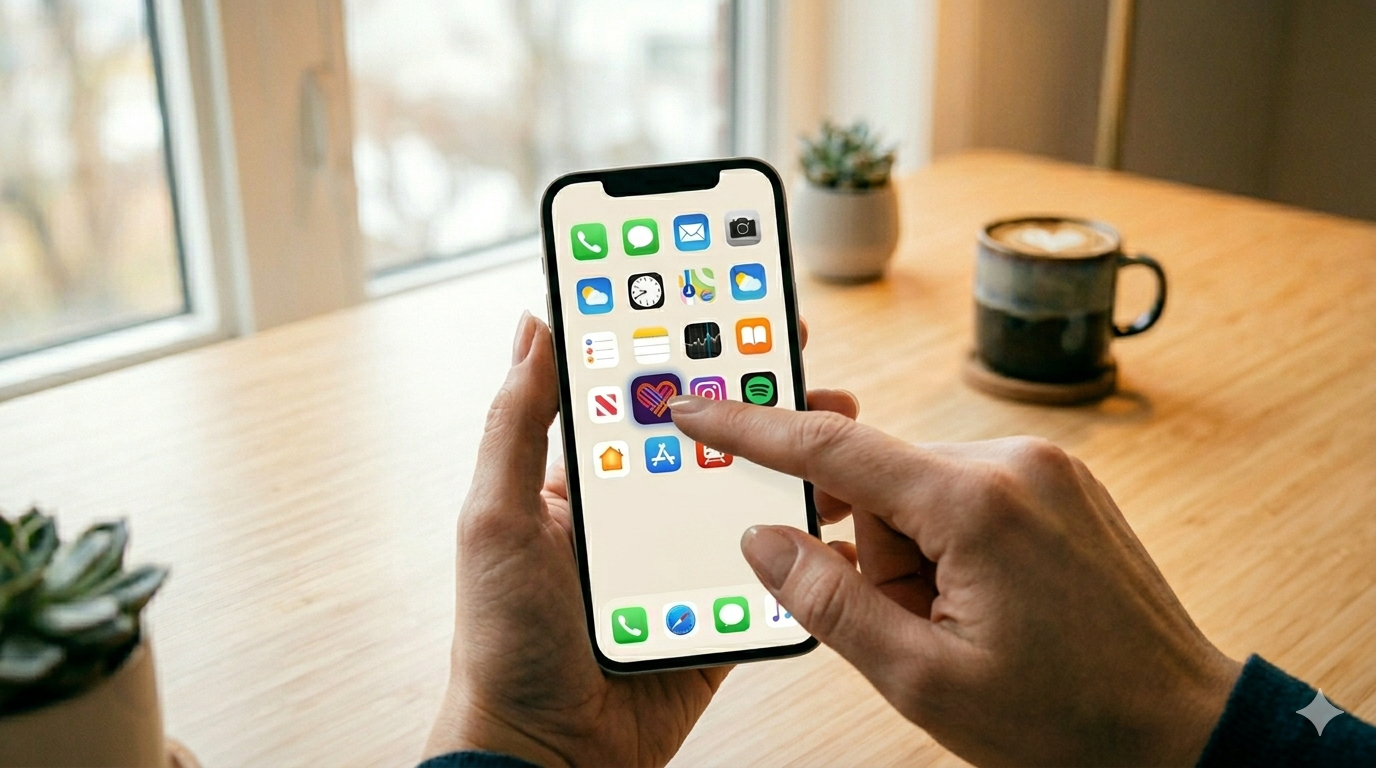
A Progressive Web App (PWA) is a website that behaves like a native mobile app. Users open it in their mobile browser, tap “Add to Home Screen,” and it installs as a full-screen icon on their device — indistinguishable from a downloaded app. No App Store. No Google Play. No review process.
The technology is built on standard web APIs (Service Workers, Web App Manifest, Push Notifications) that Apple and Google have supported since 2018. As of 2026, PWAs cover the vast majority of features users expect from a mobile dating app: swipe interface, real-time chat, push notifications, camera access for profile photos, and geolocation for distance-based matching.
How a PWA Dating App Works
The install flow for a PWA dating app takes under 10 seconds:
- User visits your dating site on their mobile browser (Chrome on Android, Safari on iOS)
- Browser displays an “Add to Home Screen” banner, or user taps the share button → “Add to Home Screen”
- App icon appears on the home screen with your custom logo and app name
- User taps the icon — app opens full-screen with no browser UI, exactly like a native app
- Service Worker caches core assets — app loads instantly on subsequent opens, even on slow connections
Behind the scenes, the app is still your web platform — but it behaves natively. Push notifications arrive like any other app notification. The interface runs full-screen without address bars or browser chrome. Offline functionality works for cached content.
PWA vs Native App for Dating Platforms: Full Comparison
| Factor | PWA (MooDatingScript) | Native iOS/Android App |
|---|---|---|
| App Store submission required | ❌ No | ✅ Yes (1–7 day review) |
| Revenue cut to Apple/Google | ❌ None — you keep 100% | ✅ 15–30% on in-app purchases |
| Update deployment | Instant — push to server, done | Submit update → review → user downloads |
| Install friction | 2 taps from browser | Find in store → download → install |
| Push notifications | ✅ Supported (Android full, iOS since 2023) | ✅ Full support |
| Camera / geolocation access | ✅ Supported via browser APIs | ✅ Full support |
| Offline mode | ✅ Via Service Worker cache | ✅ Full support |
| App Store discoverability | ❌ Not in App Store | ✅ Can be found via App Store search |
| Development cost | One codebase for all platforms | Separate iOS + Android builds |
| App Store policy compliance | ❌ Not required | ✅ Required — policies can change |
The Revenue Advantage: No App Store Cut
This is the most financially significant difference for dating platform operators. Apple and Google take 15–30% of every in-app purchase made through their payment systems. For a dating app generating $50,000/month in subscriptions and coin purchases:
- Native app revenue: $35,000–$42,500/month (after 15–30% platform cut)
- PWA revenue: $50,000/month (no cut — you process payments directly via Stripe/PayPal)
That difference — $7,500–$15,000/month — compounds dramatically at scale. Over a year, a $50K/month dating app pays $90,000–$180,000 in platform fees with native apps. A PWA pays zero.
This is why MooDatingScript’s PWA architecture is one of its most important business advantages, not just a technical detail. For a full analysis of dating app monetization models, see how dating apps make money.
PWA Limitations for Dating Apps
PWAs are not perfect for every use case. Be aware of these limitations:
iOS push notifications (historical limitation, mostly resolved)
Apple only added full PWA push notification support in iOS 16.4 (March 2023). Users on iOS 16.3 or earlier cannot receive push notifications from PWAs. As of 2026, iOS 16.4+ penetration is above 90% in most markets, making this a non-issue for most deployments. Users on older iOS still have full access to the app — they just don’t receive push notifications.
No App Store discoverability
Your dating app won’t appear in App Store or Google Play search results. Users must discover your platform through web search, social media, paid advertising, or direct links. For niche dating apps — where you’re targeting a specific community you can reach through focused marketing — this is rarely a problem. For mainstream apps competing on app store keywords, this is a real disadvantage.
Some enterprise clients require an App Store listing
A small number of B2B clients, corporate deployments, or markets with low web-app awareness may specifically require a native app store presence. For these cases, SkaDate and Dating Pro offer native iOS/Android apps at higher price points. See our PWA vs native dating app comparison for a full breakdown of when each approach makes sense.
Which Dating Scripts Support PWA in 2026?
| Script | PWA Support | Native App | Price |
|---|---|---|---|
| MooDatingScript | ✅ Full PWA | ❌ | $149 one-time |
| SkaDate | ❌ | ✅ iOS + Android | ~$599+ |
| Dating Pro | ❌ | ✅ iOS + Android | ~$599+ |
| WPDating | ❌ | ❌ | ~$149/yr |
| Chameleon | ❌ | ✅ iOS + Android | ~$599+ |
MooDatingScript is the only dating script in the under-$200 tier with full PWA support. The alternatives that include native apps (SkaDate, Dating Pro, Chameleon) start at $599+ and still require separate developer work to publish to each app store.
For a full comparison of all major dating scripts including their mobile strategies, see best PHP dating scripts in 2026.
How to Launch a PWA Dating App with MooDatingScript
The PWA configuration in MooDatingScript requires no code changes — everything is handled through the admin panel:
- Upload PWA icon — 512×512px PNG; appears on users’ home screens after install
- Set app name and short name — the name displayed under the home screen icon
- Set theme color — the browser chrome color shown during PWA loading (matches your brand)
- Configure start URL — the page that opens when users tap the home screen icon
- Enable HTTPS — required for PWA; included with any standard SSL certificate
- Test install prompt — visit your site on mobile Chrome; the “Add to Home Screen” banner should appear automatically
Once configured, every user who visits your dating platform on mobile will see the install prompt. No additional development, no app store accounts, no review waiting periods. If you want a full walkthrough of the launch process, our step-by-step guide to launching a dating app covers the complete setup from domain to first user.