
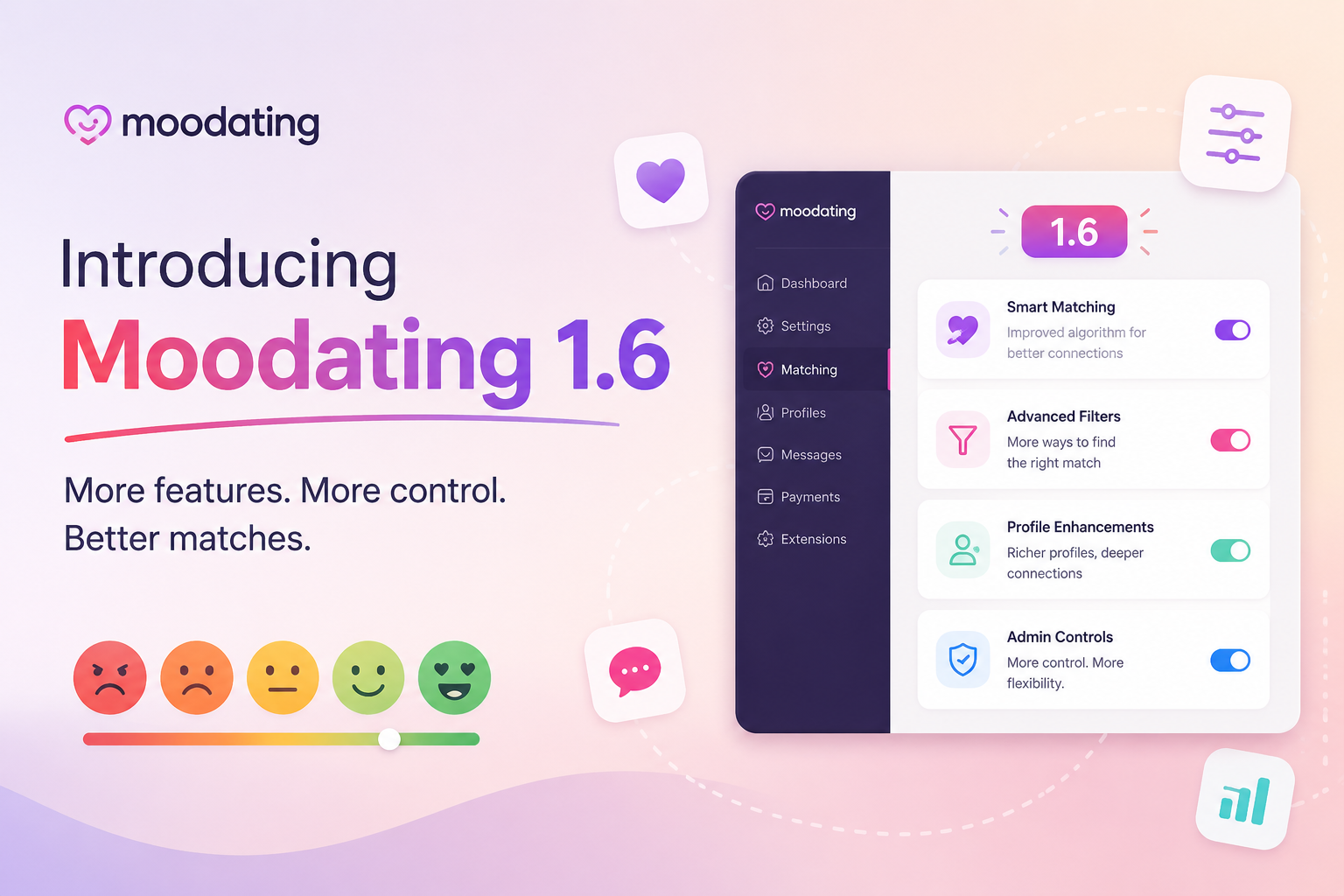
mooDating 1.6: Everything New in the Latest Release
TL;DR: mooDating 1.6 is the biggest update yet — a complete frontend rewrite in Vue 3 + Tailwind CSS, Tinder-style swipe matching, Stories, Profile Boost, a fake users system for seeding new installs, and a user migration tool. If you’re running an older version, this is the release to upgrade for.
Why 1.6 Is a Turning Point
Dating app users have come to expect a specific experience: swipe left or right, see who liked you, share a story before it disappears, maybe boost your profile to the top of the stack for an hour. Until 1.6, operators running MooDateScript had to cobble together plugins or live without those features.
Version 1.6 ships all of them natively, on a rebuilt frontend stack that finally puts MooDateScript in the same visual league as apps your users are already familiar with.
What’s New in mooDating 1.6
1. Vue 3 + Tailwind CSS Frontend
The entire user-facing interface has been rewritten from the ground up in Vue 3 with Tailwind CSS.
Why does this matter to you as an operator?
- Faster page loads — Vue 3’s lighter runtime and Tailwind’s purged CSS output mean significantly smaller bundles than the previous version.
- Easier customization — Tailwind utility classes make theme adjustments straightforward without fighting a custom CSS framework.
- Modern component architecture — The SPA structure means smoother page transitions and a native-app feel in the browser.
- Future-proof — Vue 3 + Tailwind is a mainstream, well-supported stack with years of active development ahead of it.
No changes to the backend stack — Laravel continues to power the API layer, so existing server setups remain compatible.
2. Swipe Matching Engine
This is the headline feature. 1.6 adds a full swipe-based discovery UI — users swipe right to like, left to pass, and get notified when they match.
Key details:
- Cards load in batches with configurable discovery filters (age range, distance, gender)
- Match notification triggers in real time via WebSocket
- Matched users immediately appear in the chat inbox
- Daily swipe limits configurable per subscription tier (free users: limited, premium: unlimited)
- Admins can set global discovery rules from the admin panel
The swipe engine integrates with the coin/subscription monetization system out of the box — “unlimited swipes” becomes a natural premium upsell.
3. Stories
Users can now post photo and video Stories that disappear after 24 hours, visible to their matches or all users (configurable).
- Photo and short video support
- 24-hour auto-expiry
- Story view count visible to the poster
- Privacy control: matches only vs. all users
- Admin moderation queue for story content
Stories drive daily active usage — they give users a reason to open the app every day even when they have no new matches.
4. Profile Boost
Boost lets users pay to surface their profile at the top of other users’ discovery queues for a set duration (e.g., 30 minutes, 1 hour, 3 hours).
- Boost can be purchased with coins (virtual currency) or directly with Stripe/PayPal
- Duration tiers and pricing are fully configurable in the admin panel
- Boost status is visible to the boosted user with a countdown timer
- Analytics: admins can see boost purchase volume per period
Profile Boost is consistently one of the highest-converting microtransaction features in dating apps — users buy it when they feel engagement has slowed down.
5. Fake Users / Demo Profiles System
New installs face a cold-start problem: real users won’t sign up to an empty platform. 1.6 solves this with a built-in fake users system.
- Create demo profiles in the admin panel with photos, bios, and preference settings
- Fake users appear in discovery and can send templated messages
- Configurable visibility: fake profiles can be hidden from admin view counts if desired
- Easy to deactivate and delete once organic user base grows
This is a standard industry practice for launching dating platforms — 1.6 makes it a first-class feature rather than a manual workaround.
6. User Migration Tool
If you’re moving from another dating platform (SkaDate, Dating Pro, WPDating, or a custom solution), 1.6 includes a migration import tool that maps common user data fields into MooDateScript’s schema.
- CSV/JSON import support
- Field mapping UI in the admin panel
- Validation and error log on import
- Duplicate detection by email address
Upgrade Path
Already on MooDateScript? The 1.6 update is available from your license dashboard. Back up your database before upgrading — the frontend rewrite changes asset paths and the migration script handles database schema changes automatically, but a backup is always good practice.
New to MooDateScript? 1.6 is the current version — you’ll get everything above out of the box.
Pricing Reminder
| Plan | Price |
|---|---|
| One-time license | $149 |
| Managed hosting | $59/month |
| Trial | 14 days free |
No per-user fees. No revenue share. You keep 100% of what your members pay.
Frequently Asked Questions
Do I need to rebuild my site to upgrade to 1.6?
No. The upgrade process handles the frontend asset replacement and database migrations automatically. Your data, users, and settings carry over.
Does the swipe matching replace the old browse/search?
No — swipe is added as a new discovery mode. The traditional search and browse grid remains available. Admins can configure which modes are active.
Can I disable Stories or Boost if I don’t want them?
Yes. Each feature module can be toggled on or off from the admin panel independently.
Is the fake users system detectable by real users?
Fake profiles look identical to real profiles. They can be configured to send automated ice-breaker messages on a delay to simulate organic interaction.
Does 1.6 break existing plugins or customizations?
The backend API is unchanged, so REST API integrations continue to work. Frontend customizations may need minor adjustments due to the Vue 3 rewrite — check with support before upgrading if you have heavy UI customizations.
Where do I get the 1.6 update?
Log in to your account at moodatingscript.com/pricing and download from your license dashboard, or start a 14-day free trial to test 1.6 before purchasing.