
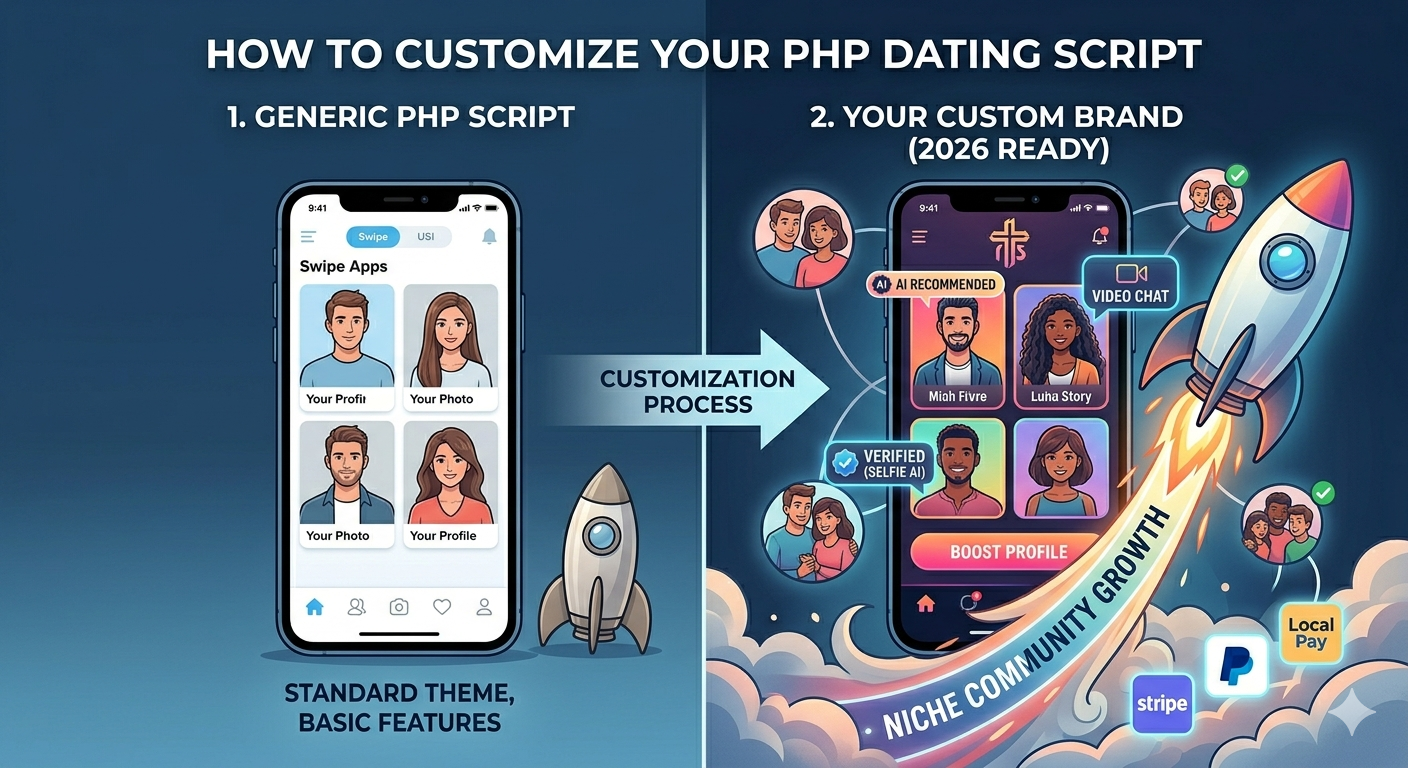
How to Customize a PHP Dating Script in 2026 (MooDateScript Guide)
TL;DR: Customizing MooDateScript covers two layers: admin panel configuration (no coding required — branding, profile fields, monetization, discovery settings) and code customization (Laravel backend + Vue 3 frontend for deeper feature changes). Most founders get 80% of what they need through the admin panel alone. This guide covers both paths.
Two Levels of MooDateScript Customization
| Level | What You Can Change | Technical Skill Needed |
|---|---|---|
| Admin panel | Branding, colors, profile fields, discovery filters, subscription prices, coin packages, feature toggles, email templates, moderation settings | None |
| Code customization | UI components, new features, API endpoints, database schema additions, custom matching logic, third-party integrations | Laravel (PHP) + Vue 3 experience |
Level 1: Admin Panel Customization (No Coding Required)
Branding and Theme
- Go to Admin → Settings → Branding
- Upload your logo (PNG or SVG, recommended 200×60px for header display)
- Upload PWA icon (512×512px — appears on users’ home screens when they install)
- Set primary and accent colors using hex codes (your brand palette)
- Set site name, tagline, and meta description for SEO
- Toggle off all MooDateScript branding references under White Label settings
Custom Profile Fields
Add any fields relevant to your niche in Admin → Profile Fields:
- Field types available: text input, dropdown (single select), multi-select checkboxes, toggle (yes/no), number slider, date picker
- Configuration per field: label, help text, required/optional, visible in discovery card vs. full profile only, searchable/filterable in discovery
- Examples by niche:
- Faith: Denomination, observance level, church attendance
- Fitness: Training style, gym frequency, diet preference
- Professional: Industry, job title, work schedule
- General: Relationship goal, children, smoking, drinking
Discovery Configuration
In Admin → Discovery Settings:
- Set which profile fields appear as discovery filters (what users can filter by)
- Set default discovery radius and age range
- Configure swipe deck size (how many profiles load per batch)
- Enable/disable specific discovery modes (swipe, browse grid, search)
- Set daily swipe limits per subscription tier
Monetization Configuration
In Admin → Monetization:
- Subscription plans: Create tiers with custom names, prices, durations, and feature sets. Drag-and-drop to reorder. Mark one as “Most Popular”
- Coin packages: Set bundle sizes and prices. Mark one as “Best Value.” Configure what each coin action costs (Boost, Super Like, Gift)
- Boost settings: Enable/disable Boost, set duration options, set coin and/or direct purchase prices per duration
- Feature gates: Toggle which features require premium subscription (see who liked you, unlimited swipes, advanced filters, read receipts)
Email Templates
In Admin → Email Templates, customize all transactional emails:
- Welcome email (new registration)
- New match notification
- New message notification
- Profile Boost expiry reminder
- Subscription renewal reminder
- Password reset
Each template supports custom HTML, your logo, and merge tags for dynamic content (user name, match name, etc.).
Level 2: Code Customization
Tech Stack Overview
- Backend: Laravel 10+ (PHP 8.1+) — RESTful API, queue workers, scheduled tasks
- Frontend: Vue 3 + Vite + Tailwind CSS — Single Page Application
- Database: MySQL/MariaDB — Laravel Eloquent ORM
- Real-time: Laravel Echo + Pusher/Soketi (WebSocket)
- Queue: Laravel Queues (database driver by default, Redis for production scale)
Customizing the Frontend (Vue 3)
The frontend lives in /resources/js/. Key directories:
/resources/js/components/— reusable UI components (SwipeCard, ChatBubble, ProfileCard, etc.)/resources/js/views/— page-level components (Discovery, Chat, Profile, Settings)/resources/js/stores/— Pinia state management stores/resources/css/— Tailwind CSS config and custom styles
To change colors globally: edit tailwind.config.js → extend the color palette with your brand colors → rebuild with npm run build.
To modify a component: edit the relevant .vue file in /resources/js/components/, test locally with npm run dev, rebuild for production with npm run build.
Customizing the Backend (Laravel)
The API lives in /app/Http/Controllers/Api/. Key areas:
- Matching logic:
app/Services/DiscoveryService.php— modify how profiles are ordered in discovery queues - API routes:
routes/api.php— add new endpoints - Database migrations:
database/migrations/— add new tables or columns withphp artisan make:migration - Models:
app/Models/— extend Eloquent models for new relationships or computed attributes - Events/Listeners:
app/Events/andapp/Listeners/— hook into platform events (new match, new message) for custom behavior
Adding a Custom Feature: Step-by-Step Example
Example: Add a “Voice Introduction” feature where users can record a 30-second audio clip on their profile.
- Create migration:
php artisan make:migration add_voice_intro_to_users— addvoice_intro_pathcolumn to users table - Update User model: add
voice_intro_pathto$fillablearray - Create API endpoint in
UserController: handle audio file upload, validate, store to disk, update user record - Create Vue component:
VoiceIntroRecorder.vueusing the MediaRecorder API for in-browser recording - Add playback component to the profile view:
VoiceIntroPlayer.vue - Register both components in the profile page and rebuild:
npm run build
Common Customizations and Time Estimates
| Customization | Method | Time Estimate |
|---|---|---|
| Brand colors, logo, site name | Admin panel | 15–30 minutes |
| Add 5 custom profile fields | Admin panel | 30 minutes |
| Configure subscription pricing | Admin panel | 20 minutes |
| Customize email templates | Admin panel | 1–2 hours |
| Change Tailwind color theme globally | Code (tailwind.config.js) | 30 minutes + rebuild |
| Modify swipe card layout | Code (Vue component) | 2–4 hours |
| Add new API endpoint | Code (Laravel) | 2–6 hours |
| Custom matching algorithm | Code (DiscoveryService) | 1–3 days |
| Third-party integration (e.g., ID verification) | Code (API + webhook) | 1–3 days |
Frequently Asked Questions
Can I customize MooDateScript without coding?
Yes — the admin panel covers branding (logo, colors, site name), custom profile fields, discovery filter configuration, subscription plan setup, coin package pricing, feature toggles, and email templates. Most operators get 80% of their customization needs done through the admin panel alone without writing a line of code.
What tech stack does MooDateScript use for customization?
MooDateScript’s backend is Laravel (PHP 8.1+) and the frontend is Vue 3 with Tailwind CSS. Both are mainstream, well-documented frameworks with large developer communities. Any developer familiar with Laravel or Vue 3 can customize MooDateScript — you don’t need proprietary framework knowledge.
How do I add a new profile field to MooDateScript?
Go to Admin → Profile Fields → Add New Field. Choose the field type (text, dropdown, checkbox, slider, toggle), write the label and help text, set whether it’s required, and decide if it appears as a discovery filter. No coding required — fields are added through the admin UI and appear in the profile creation flow immediately.
Can I change the matching algorithm in MooDateScript?
Yes, with coding. The discovery logic lives in app/Services/DiscoveryService.php. You can modify the SQL query and scoring logic to weight different profile attributes differently in the discovery queue. This requires Laravel/PHP experience but is straightforward for a developer familiar with Eloquent ORM.
How do I hire a developer to customize MooDateScript?
Post on Upwork or Toptal with “Laravel + Vue 3 developer” as requirements. Share the MooDateScript documentation and specify your customization needs. Because MooDateScript uses standard mainstream technologies (not a proprietary framework), finding qualified developers is straightforward. Hourly rates: $25–$50/hr offshore, $75–$150/hr US-based.
Will customizations break when MooDateScript releases updates?
Admin panel customizations (colors, fields, pricing) are stored in the database and are unaffected by updates. Code customizations to Vue components or Laravel controllers may require manual merging during major updates — follow Laravel’s standard upgrade pattern and review changelogs before updating. Minor updates rarely affect customized files.