
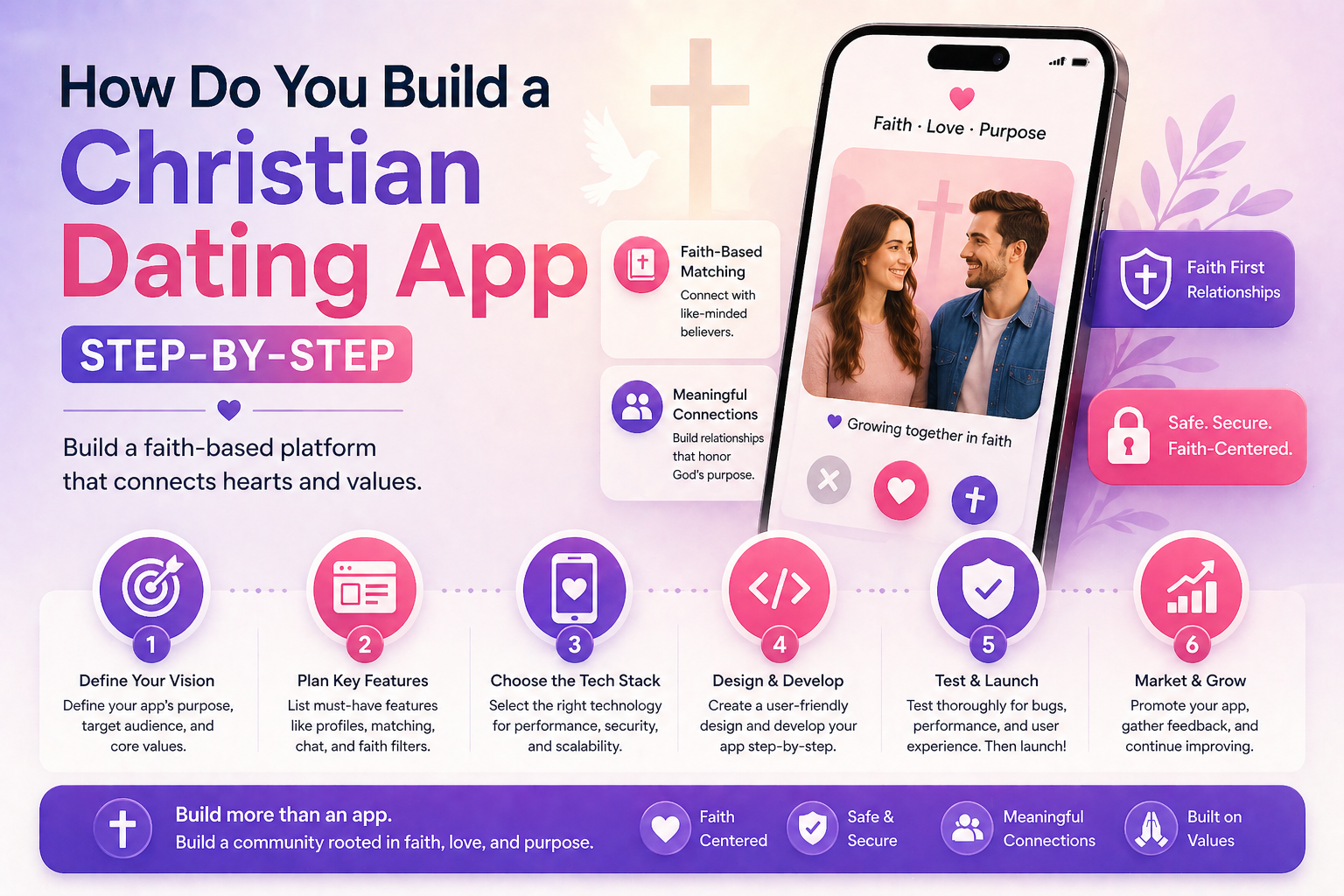
How to Build a Christian Dating App in 2026 (Step-by-Step)
TL;DR: Building a Christian dating app in 2026 takes 1–3 days with MooDateScript ($149 one-time). You get swipe matching, real-time chat, and PWA mobile — then configure denomination profile fields, faith-based discovery filters, and content moderation to create a safe, Christ-centered dating community. No coding required for the managed hosting path.
Why Build a Christian Dating App?
Christian dating is one of the most proven niches in the dating market. The market is large — roughly 2.6 billion Christians worldwide, with hundreds of millions who are single and seeking faith-compatible partners. Major dating apps (Tinder, Hinge, Bumble) don’t filter by faith adequately. Established Christian apps like Christian Mingle don’t serve every denomination well.
Opportunities include: denomination-specific apps (Catholic, Baptist, Evangelical, Orthodox), region-specific apps (serving a city’s Christian singles community), or age-specific apps (Christian seniors, Christian college students).
Step 1: Define Your Christian Dating Niche
Don’t build “a Christian dating app” — build a dating app for a specific Christian community. The tighter the niche, the faster word-of-mouth spreads and the more engaged your users will be.
| Niche | Target Audience | Differentiator |
|---|---|---|
| Catholic Singles | Catholic young adults 22–40 | Mass attendance, sacramental marriage focus |
| Conservative Evangelical | Evangelical Christians seeking traditional values | Biblical courtship principles |
| Mainline Protestant | Lutheran, Methodist, Presbyterian singles | Progressive-friendly, social justice values |
| African-American Christian | Black Christians in major US cities | Cultural + faith alignment |
| Christian Seniors (50+) | Widowed/divorced Christians over 50 | Age-appropriate, faith-first approach |
Step 2: Get MooDateScript
Go to moodatingscript.com/pricing and start the 14-day free trial. Choose:
- Managed hosting ($59/month) — team handles setup, you’re live same day, no technical knowledge needed
- Self-hosted ($149 one-time) — requires a VPS with PHP 8.1+, MySQL, Node.js; 1–3 day setup
Step 3: Configure Your Branding
In the admin panel at yourdomain.com/admin:
- Upload your app logo and icon
- Set brand colors (consider warm, trustworthy tones — navy, burgundy, gold)
- Set your site name and tagline
- Write your About page and Community Guidelines with faith-specific language
- Remove all MooDateScript branding (Settings → White Label)
Step 4: Add Faith-Specific Profile Fields
In admin → Profile Fields, add these custom fields:
- Christian denomination — dropdown (Catholic / Baptist / Evangelical / Lutheran / Methodist / Orthodox / Non-denominational / Other)
- Church attendance — dropdown (Weekly / Most weeks / Occasionally / Rarely)
- Faith practice level — dropdown (Very observant / Moderately / Culturally Christian)
- Bible study involvement — yes/no or dropdown
- Open to other denominations? — yes/no
- Relationship goal — dropdown (Marriage / Serious relationship / Open to either)
- Children — existing children (yes/no/ages) and desires (wants/open/doesn’t want)
Step 5: Configure Faith-Based Discovery
In admin → Discovery Settings:
- Enable denomination as a discovery filter — users can filter matches by denomination
- Set “Open to other denominations” as a filter — users who select “yes” see cross-denomination matches; those who select “no” see same-denomination only
- Set default age range appropriate for your target (e.g., 25–45 for young adult Christian app)
- Enable location-based discovery — suggest matches within same city or state first
Step 6: Set Moderation Standards
Christian dating platforms need higher moderation standards than general apps. Configure:
- Photo approval: Enable manual review — all profile photos approved by admin before going live
- Bio review: Optionally enable admin review of bios for new accounts
- Community reporting: Ensure the report system is prominent — users should feel comfortable flagging inappropriate behavior
- Zero-tolerance policy: Write clear community guidelines stating that sexual content, harassment, or non-faith-aligned behavior results in immediate account removal
Step 7: Configure Monetization
Recommended monetization model for Christian dating:
- Free: Create profile, set preferences, receive match suggestions
- Premium ($9.99/month or $59.99/year): Unlimited messaging, see who liked you, advanced filters
- Annual pricing emphasis: Christian audiences respond to commitment — lead with the annual plan
- Disable or rename coins/boost if they feel too gamified for your community — or frame them as “priority connection” features
Connect Stripe and/or PayPal in admin → Payment Settings. If your platform may include adult faith communities, CCBill is also available.
Step 8: Seed Your Community
Use MooDateScript’s fake users system to create 20–40 demo profiles before opening to real users. These should reflect your target community — realistic Christian bios, appropriate photos, denomination fields filled in. This makes the app feel active when your first real users sign up.
Step 9: Launch and Market
Channels that work for Christian dating apps:
- Church partnerships: Contact local churches, ask to be mentioned in bulletins or singles ministry emails
- Singles ministry events: Attend and promote at church singles events — your target audience is already assembled
- Christian podcasts and YouTube: Reach out to Christian relationship/dating content creators for mentions or reviews
- Facebook groups: Christian singles groups on Facebook are large and active — participate genuinely before promoting
- Content marketing: Blog about Christian dating advice to capture search traffic (“Christian dating tips,” “how to date as a Christian,” your denomination + “dating”)
Frequently Asked Questions
How much does it cost to build a Christian dating app?
With MooDateScript, a Christian dating app costs $149 one-time for the self-hosted license (plus $12–24/month hosting), or $59/month for managed hosting. Custom development of a comparable app costs $80,000–$200,000+. The script approach is 99%+ cheaper and launches in days instead of months.
Can I restrict my dating app to only Christians?
Yes — require a religion field on signup and make it a required filter in discovery. Users who list non-Christian religions won’t appear in Christian users’ discovery queues (and vice versa, based on filter settings). You can also state in your Terms of Service that the platform is intended for Christian users.
Do I need App Store approval for a Christian dating app?
Not with MooDateScript. It’s a PWA — users install directly from the browser on iOS and Android without App Store review. This is useful for faith-based apps, which occasionally face App Store scrutiny around faith-specific targeting policies.
How do I make my Christian dating app safe?
Enable manual photo approval, require profile completeness before allowing matches, implement clear community guidelines with zero-tolerance for inappropriate behavior, make reporting easy and prominent, and actively moderate — remove accounts that violate your faith-based standards promptly.
What makes a Christian dating app different from a regular dating app?
The differences are in configuration, not technology: denomination and faith practice profile fields, discovery filtered by religious compatibility, stricter content moderation aligned with community values, relationship goal emphasis on marriage and serious commitment, and community-building features that connect users beyond just matching.
Can MooDateScript handle a Catholic-specific dating site?
Yes — add Catholic-specific profile fields (Mass attendance frequency, views on contraception, NFP practice, openness to large families), set discovery to filter for Catholic/Christian users, and apply appropriate moderation standards. The same approach works for any Christian denomination or other faith tradition.