
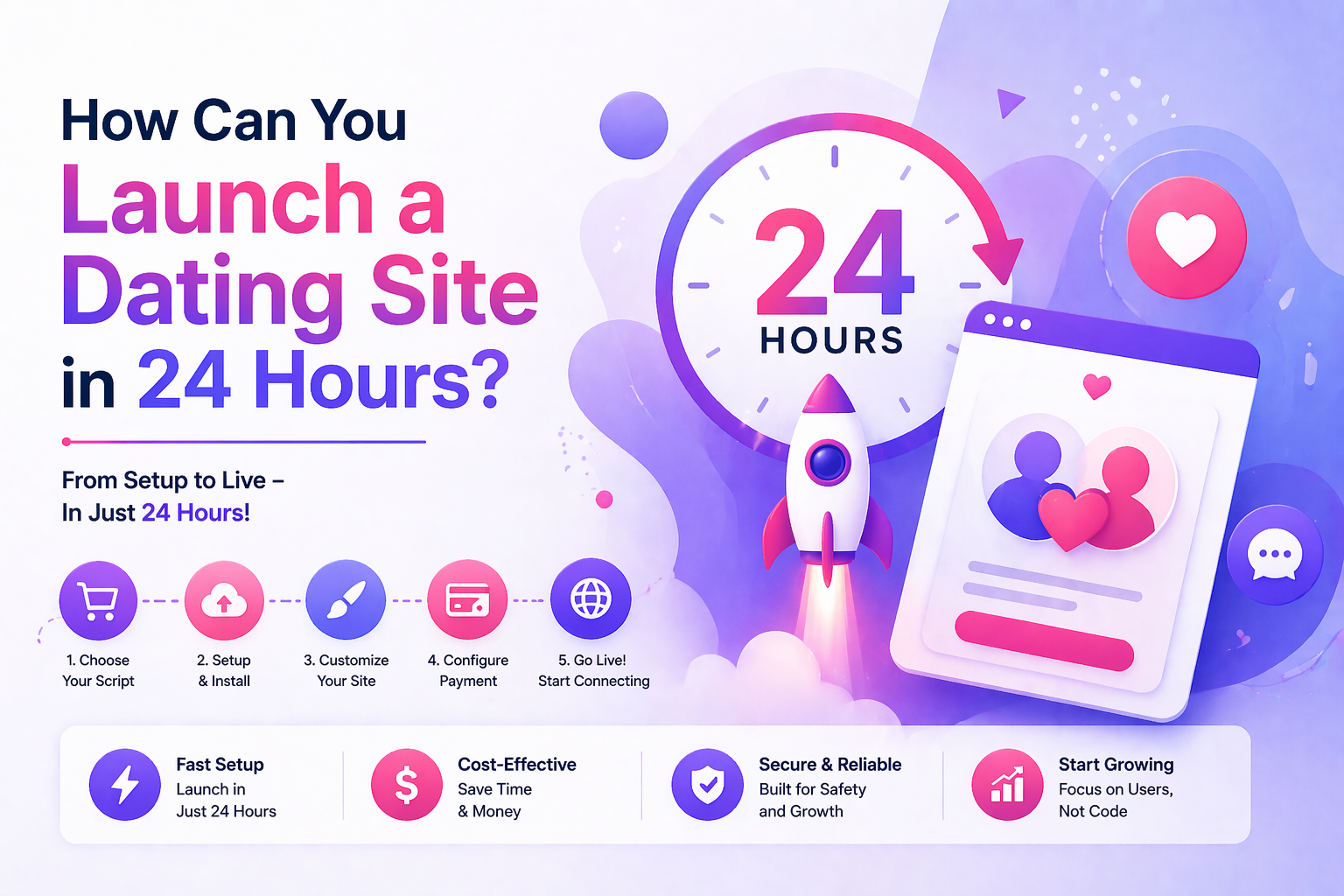
How to Launch a Dating Site in 24 Hours (2026 Guide)
TL;DR: You can launch a fully functional dating site in 24 hours using MooDateScript’s managed hosting plan ($59/month) — the team handles all server setup and configuration, and you’re live the same day. Self-hosting takes 1–3 days if you have basic server experience. This guide walks both paths step by step.
What “Live in 24 Hours” Actually Means
A real dating site in 24 hours means: custom domain, swipe matching, real-time chat, user registration, payment processing, and an admin panel — not a placeholder page or an under-construction site. MooDateScript is built for exactly this.
The two paths:
| Path | Time to Live | Technical Skill Needed | Cost |
|---|---|---|---|
| Managed hosting | Same day (2–6 hours) | None | $59/month |
| Self-hosted VPS | 1–3 days | Basic server/CLI | $149 + $12–24/mo hosting |
Path A: Managed Hosting (Fastest — Same Day)
Step 1: Start Your 14-Day Free Trial
Go to moodatingscript.com/pricing and start the free trial. No credit card required. You’ll be asked for your domain name and basic site configuration preferences (niche, color scheme, site name).
Step 2: Point Your Domain
Update your domain’s DNS A record to point to the IP address provided after signup. DNS propagation takes 15 minutes to 2 hours depending on your registrar. Recommended registrars: Namecheap, Cloudflare, or Google Domains — all have fast propagation.
Step 3: MooDateScript Team Handles the Rest
The managed hosting team installs MooDateScript on the server, configures SSL, sets up the database, runs migrations, and configures the mail server for transactional email. This typically completes within 2–4 hours of your domain pointing correctly.
Step 4: Configure Your Site (30–60 minutes)
Log into the admin panel at yourdomain.com/admin. Complete these settings before going live:
- Branding: Upload your logo, set your color theme, set site name
- Subscription plans: Set pricing (recommend: free tier + $9.99/week, $24.99/month, $99.99/year)
- Coin packages: Set bundle sizes and prices for the virtual currency
- Registration: Open registration or invite-only? Age verification required?
- Email sender: Set your from-name and from-address for notifications
- Discovery settings: Default distance radius, age range defaults
Step 5: Seed Your Platform
MooDateScript 1.6 includes a fake users system. Create 20–30 demo profiles with realistic photos, bios, and preferences. These appear in discovery and can send templated ice-breaker messages to new real signups — solving the cold-start problem on Day 1.
Step 6: Go Live
Share your site URL with your first target users. Your dating site is now live with: swipe matching, real-time chat, Stories, Profile Boost, subscription payments, and a PWA that installs on iOS and Android from the browser.
Path B: Self-Hosted VPS (1–3 Days)
Requirements
- PHP 8.1+ and Composer
- MySQL 8.0+ or MariaDB 10.5+
- Node.js 18+ and npm (for building frontend assets)
- 1GB RAM minimum (2GB recommended)
- SSL certificate (free via Let’s Encrypt/Certbot)
Recommended VPS Providers
| Provider | Spec | Monthly Cost | Best For |
|---|---|---|---|
| DigitalOcean | 2GB RAM, 1 vCPU | $12/month | US/EU audiences, excellent docs |
| Hetzner | 2GB RAM, 2 vCPU | ~$5/month | EU audiences, best price/performance |
| Vultr | 2GB RAM, 1 vCPU | $12/month | Wide region selection |
Installation Steps
- Provision a VPS and SSH in as root
- Install:
apt install php8.1 php8.1-{mbstring,xml,curl,zip,mysql} composer nodejs npm mysql-server nginx certbot python3-certbot-nginx - Upload the MooDateScript files to
/var/www/yourdomain - Create MySQL database:
CREATE DATABASE dating; GRANT ALL ON dating.* TO 'user'@'localhost' IDENTIFIED BY 'password'; - Copy
.env.exampleto.env, fill in DB credentials, APP_URL, MAIL settings - Run
composer install --no-devandnpm ci && npm run build - Run
php artisan migrate --seedandphp artisan key:generate - Configure Nginx vhost pointing to
/var/www/yourdomain/public - Run
certbot --nginx -d yourdomain.comfor SSL - Set up cron:
* * * * * php /var/www/yourdomain/artisan schedule:run - Start queue worker:
php artisan queue:work --daemon(use Supervisor for persistence)
What You Have After Launch
| Feature | Ready at Launch? |
|---|---|
| Swipe matching (like/pass/match) | ✅ Yes |
| Real-time WebSocket chat | ✅ Yes |
| Stories (24hr photo/video) | ✅ Yes |
| Profile Boost | ✅ Yes |
| Subscription payments (Stripe/PayPal/CCBill) | ✅ Yes (configure keys) |
| Virtual coins system | ✅ Yes |
| PWA mobile install (iOS + Android) | ✅ Yes |
| Admin panel with moderation | ✅ Yes |
| GDPR tools | ✅ Yes |
| White-label (your brand only) | ✅ Yes |
Frequently Asked Questions
Can you really launch a dating site in 24 hours?
Yes, with MooDateScript’s managed hosting. The team handles server setup, installation, and configuration — you get a fully functional dating site the same day you sign up. Self-hosting takes 1–3 days with basic server knowledge.
Do I need coding experience to launch with MooDateScript?
No coding required for the managed hosting option ($59/month). For self-hosted, you need basic Linux server familiarity — enough to run commands, configure a web server, and set up a database. No PHP or Vue development experience needed to get it running.
What domain should I use for a dating site?
Pick a .com domain that reflects your niche or brand — short, memorable, and not keyword-stuffed. Avoid trademarked dating app names. Register through Namecheap or Cloudflare for fastest DNS propagation and straightforward management.
How do I get my first users on a new dating site?
Day 1: use MooDateScript’s fake users system to seed 20–30 demo profiles so the site appears active. Then: reach out directly to your target niche community (Reddit, Facebook groups, Discord), offer founding member perks (free premium, lifetime access for first 100 users), and run small targeted ads ($10–30/day) for your niche.
Can users install my dating site as an app without the App Store?
Yes. MooDateScript is a PWA. Users tap “Add to Home Screen” in their mobile browser and it installs like a native app — full screen, home screen icon, push notifications. No App Store submission, no App Store fees, no review process.
What payment processors does MooDateScript support?
MooDateScript integrates with Stripe, PayPal, and CCBill out of the box. Configure your API keys in the admin panel. CCBill is particularly useful if your niche may involve adult content, as they specialize in adult industry payment compliance.