
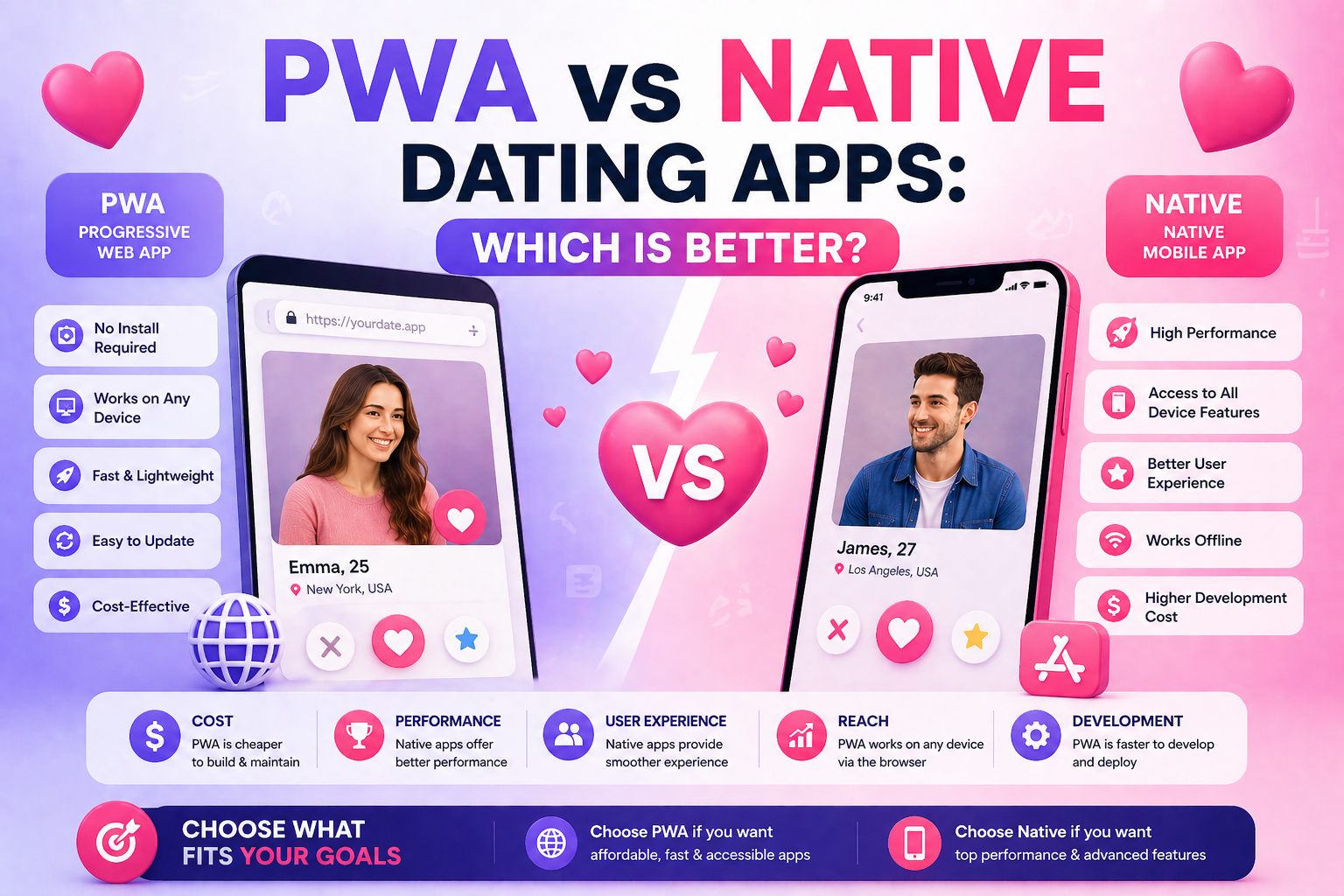
PWA vs Native Dating Apps: Which Is Better in 2026?
TL;DR: For most dating platform launches in 2026, a PWA (Progressive Web App) is the smarter choice — it eliminates App Store approval risk, costs dramatically less than native development, and delivers a near-native mobile experience. MooDateScript ships as a PWA out of the box: users install directly from their browser on iOS and Android, with no App Store submission required.
PWA vs Native Dating Apps: Quick Comparison
| Factor | PWA Dating App | Native Dating App (iOS + Android) |
|---|---|---|
| Development cost | Included in web platform cost | $80,000–$200,000+ additional |
| Time to launch | Same as web app | +4–12 months for native development |
| App Store approval | Not required | Required — dating apps face inconsistent review |
| App Store commission | 0% | Apple takes 30% of in-app purchases |
| Installable on home screen | ✅ Yes | ✅ Yes |
| Push notifications | ✅ Supported | ✅ Supported |
| Offline support | ✅ Service worker cache | ✅ Full offline capability |
| Device hardware access | Limited (camera, GPS, notifications) | Full (biometrics, ARKit, advanced sensors) |
| Performance | Near-native for dating use cases | Marginally faster for complex animations |
| Update process | Instant — no user action needed | Requires App Store review + user update |
| Discovery via App Store | ❌ Not listed | ✅ Searchable in App Store |
What Is a PWA Dating App?
A Progressive Web App (PWA) is a web application that uses modern browser APIs to deliver an experience that feels like a native mobile app — including home screen installation, push notifications, offline caching, and full-screen display — without any App Store submission.
Users install a PWA the same way on iOS and Android:
- Visit the dating site URL on their mobile browser
- Tap “Add to Home Screen” (iOS Safari) or the browser install prompt (Android Chrome)
- The app icon appears on their home screen
- It opens full-screen, exactly like a native app
MooDateScript ships as a fully functional PWA. When a user installs MooDateScript on their phone, they get swipe matching, real-time chat, push notifications for matches and messages, and the full dating experience — indistinguishable from a native app for all core dating interactions.
What Is a Native Dating App?
A native dating app is built specifically for iOS (Swift/Objective-C) and Android (Kotlin/Java), installed from the App Store or Google Play. Tinder, Bumble, and Hinge are native apps.
Native apps have advantages in specific areas: deep device integration (biometric authentication, ARKit features, advanced haptics) and marginal performance gains for graphics-heavy interactions. For a dating app’s core use cases — swiping cards, sending messages, browsing profiles — the performance difference vs a well-built PWA is imperceptible to users.
The App Store Problem for Dating Apps
Dating apps face a uniquely difficult App Store environment. Apple’s App Store review has historically been inconsistent with dating applications:
- Dating apps with adult content features are frequently rejected or removed without clear policy violations
- Apple requires a 30% commission on all in-app purchases — for a dating app selling subscriptions and coin packages, this significantly impacts margins
- App Store review takes 1–7 days per submission and any update requires re-review
- Apps can be delisted for policy changes retroactively, even after years of operation
A PWA bypasses all of this. No App Store review. No 30% commission (users pay directly to Stripe, PayPal, or CCBill). No delisting risk. Updates deploy instantly the moment you push to your server.
PWA Performance for Dating: What Actually Matters
Dating apps do a small set of things that matter most to users:
| Dating Interaction | PWA Performance | Native Performance |
|---|---|---|
| Swipe card animation | Smooth (CSS + JS) | Smooth (native animation APIs) |
| Match notification | ✅ Push notification | ✅ Push notification |
| Chat message delivery | ✅ WebSocket (real-time) | ✅ WebSocket (real-time) |
| Profile photo loading | Fast (CDN + service worker cache) | Fast (CDN + native cache) |
| Location services | ✅ Browser Geolocation API | ✅ Native GPS |
| Camera for profile photos | ✅ MediaCapture API | ✅ Native camera |
| Complex 3D animations | Limited | Full (ARKit, Metal) |
For everything dating apps actually do — swipe, match, chat, notify — PWA performance is equivalent to native. The gap only appears for graphics-intensive features that dating apps don’t use.
Cost: Why PWA Wins for Most Launches
The cost difference between a PWA and native apps is enormous at the launch stage:
| Approach | Platform cost | Mobile cost | Total launch cost |
|---|---|---|---|
| MooDateScript (PWA included) | $149 one-time | $0 (PWA built in) | $149 + hosting |
| Web platform + native iOS app | $10k–$50k | $40k–$80k | $50k–$130k+ |
| Web platform + iOS + Android | $10k–$50k | $80k–$150k | $90k–$200k+ |
MooDateScript’s PWA delivers a mobile app experience at a fraction of the cost of native development. The $149 one-time license includes a fully functional PWA — not a stripped-down mobile website.
When Native Apps Make Sense
Choose native app development when:
- You have proven product-market fit and significant revenue to invest
- Your feature roadmap requires deep device hardware integration (AR features, biometric authentication, etc.)
- App Store discoverability is a core part of your acquisition strategy
- Your target demographic strongly prefers App Store-distributed apps (specific age groups or markets)
- You have a technical team capable of maintaining separate iOS and Android codebases
The common pattern: launch with a PWA (MooDateScript), prove your concept and generate revenue, then invest in native apps once you have the data and budget to justify it.
MooDateScript PWA: What Users Experience
When a MooDateScript user installs the PWA on their iPhone:
- The app icon appears on their home screen alongside their other apps
- Opening it launches full-screen with no browser chrome visible
- Push notifications arrive for new matches and messages
- The swipe interface, chat, and Stories work exactly as in a native app
- The app works on flaky connections via service worker caching
- Profile photos taken with the phone camera upload directly from the PWA
From the user’s perspective, there is no meaningful difference between the MooDateScript PWA and a native dating app for any core dating action.
Frequently Asked Questions
Can a PWA dating app send push notifications like a native app?
Yes. PWAs support push notifications on both iOS (since iOS 16.4) and Android. MooDateScript sends push notifications for new matches, incoming messages, and profile activity — the same way a native app would.
Do users need to download anything to use a PWA dating app?
No download required. Users visit the URL in their mobile browser and tap “Add to Home Screen.” The app installs instantly without going through an App Store. No account creation or App Store login is needed to install.
Does Apple allow PWA dating apps without App Store review?
Yes. Apple has supported PWA installation via Safari since iOS 11.3. Dating apps distributed as PWAs are not subject to App Store review. As of iOS 16.4, PWAs also support push notifications on iPhone.
How is MooDateScript’s PWA different from just a mobile website?
MooDateScript’s PWA uses service workers, Web App Manifest, and WebSocket connections to deliver an app-like experience: home screen installation, full-screen display (no browser bar), push notifications, offline caching, and real-time chat. A regular mobile website has none of these. The user experience is fundamentally different.
What is the App Store commission on dating app in-app purchases?
Apple charges a 30% commission on all in-app purchases (15% for small businesses under $1M revenue). This applies to subscriptions, coin purchases, and any paid feature in a native iOS dating app. A PWA like MooDateScript bypasses the App Store entirely — all payments go directly through Stripe, PayPal, or CCBill with no Apple commission.
Can I add native iOS and Android apps later if I start with MooDateScript’s PWA?
Yes. MooDateScript’s REST API can serve as the backend for native iOS and Android apps built separately. Many operators launch with the PWA, validate their concept, and then invest in native apps once they have revenue and user data to justify the $80k–$150k native development cost.